
Privacy security connection
The transfer between encryption devices and nodes hides real IPs and reduces privacy risks in public networks.
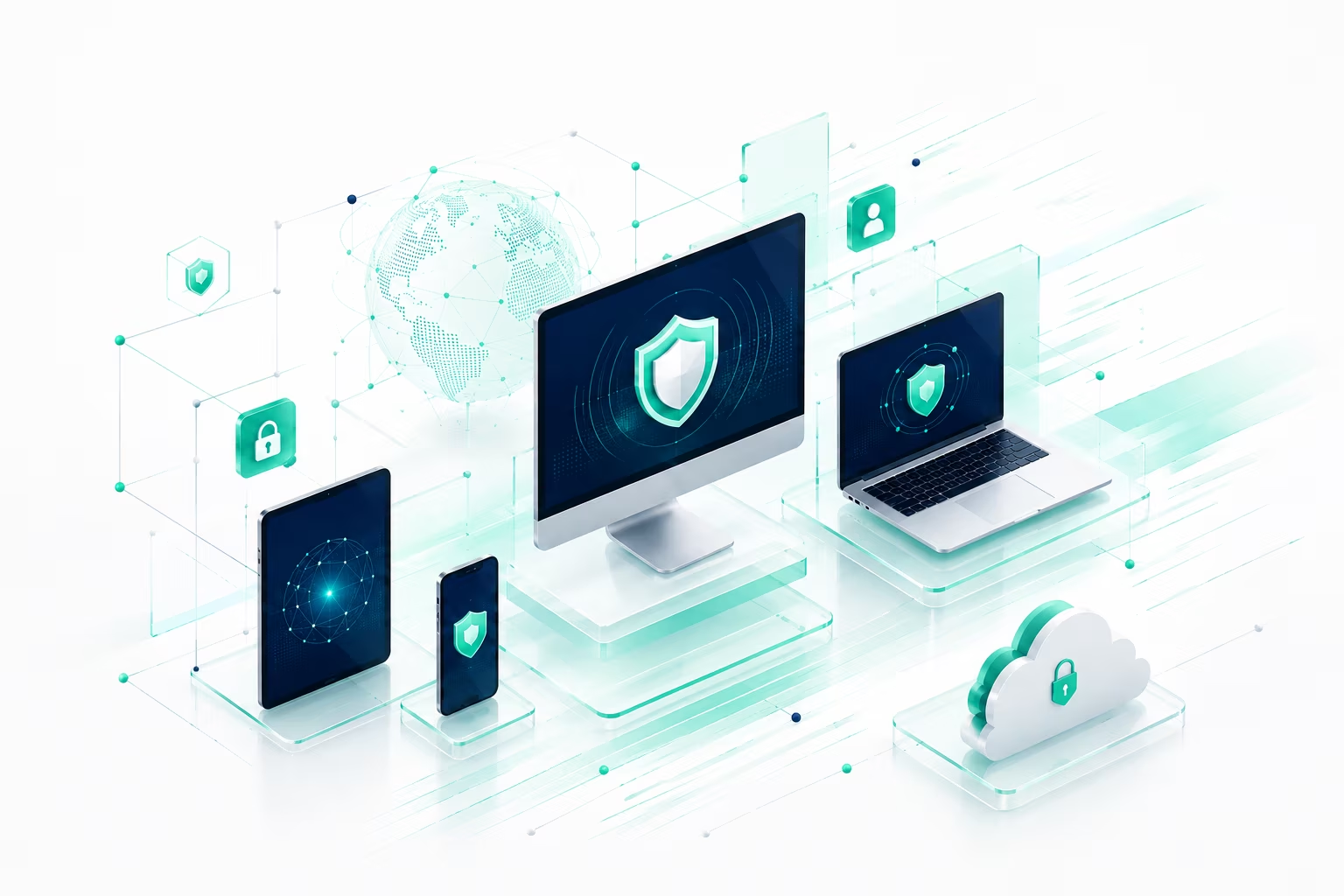
Kuaimiao VPN Full Platform Client
The primary appliance of the Apple chip and Intel Mac is smooth and connected.
Optimizing macOS depth
The transfer between encryption devices and nodes hides real IPs and reduces privacy risks in public networks.
Work and entertainment are smoother depending on distance, delay and load recommending nodes suitable for the current network.
Coverage of common areas and a variety of use scenarios is more stable, with cross-border office, information access and video links.
Three steps to go.
Get the official package for MacOS.
Complete the installation with the system hint and log in the fast-track account number.
Select the recommended route to open a stable and secure global connection.
Run Requirements
FAQ
Windows, MacOS, Android, iOS and Linux clients are currently available. From the front page or the download centre, you can access a separate download page from the corresponding platform.
Yes. The VIP account supports the simultaneous connection of multiple devices, with computers, mobile phones and panels sharing the same account number, which is based on the description of the current package.
Encryption and line distance may result in minor wear and tear. Meows recommend high-quality nodes based on network status, and can manually switch closer or lower load lines.
Network transmission between encryption devices and service nodes is provided upon connection, reducing the risk of data leakage in the public network environment. At the same time, we adhere to the strict principle of journalless privacy.
The free version is suitable for basic experience; the VIP version provides high-speed specials, more global nodes, unlimited traffic, multi-equipment connectivity and priority passenger service support.
Check the system version and network status before trying to restart the client or switch nodes. If the problem remains unresolved, Chinese passenger service can be contacted through the help centre for submission of work orders.
Download Kuaimiao VPN and complete the installation in a few minutes.